Coming Soon · iOS & Android

The simplest
way to track
your books.

Scan a whole shelf in seconds — every spine identifies itself, not one book at a time. Tap once to mark anything Read, Reading, or TBR. No busywork, no typing, just an always-up-to-date library.

Be the first to know when HarborLit launches.

App Store — Coming Soon Google Play — Coming Soon
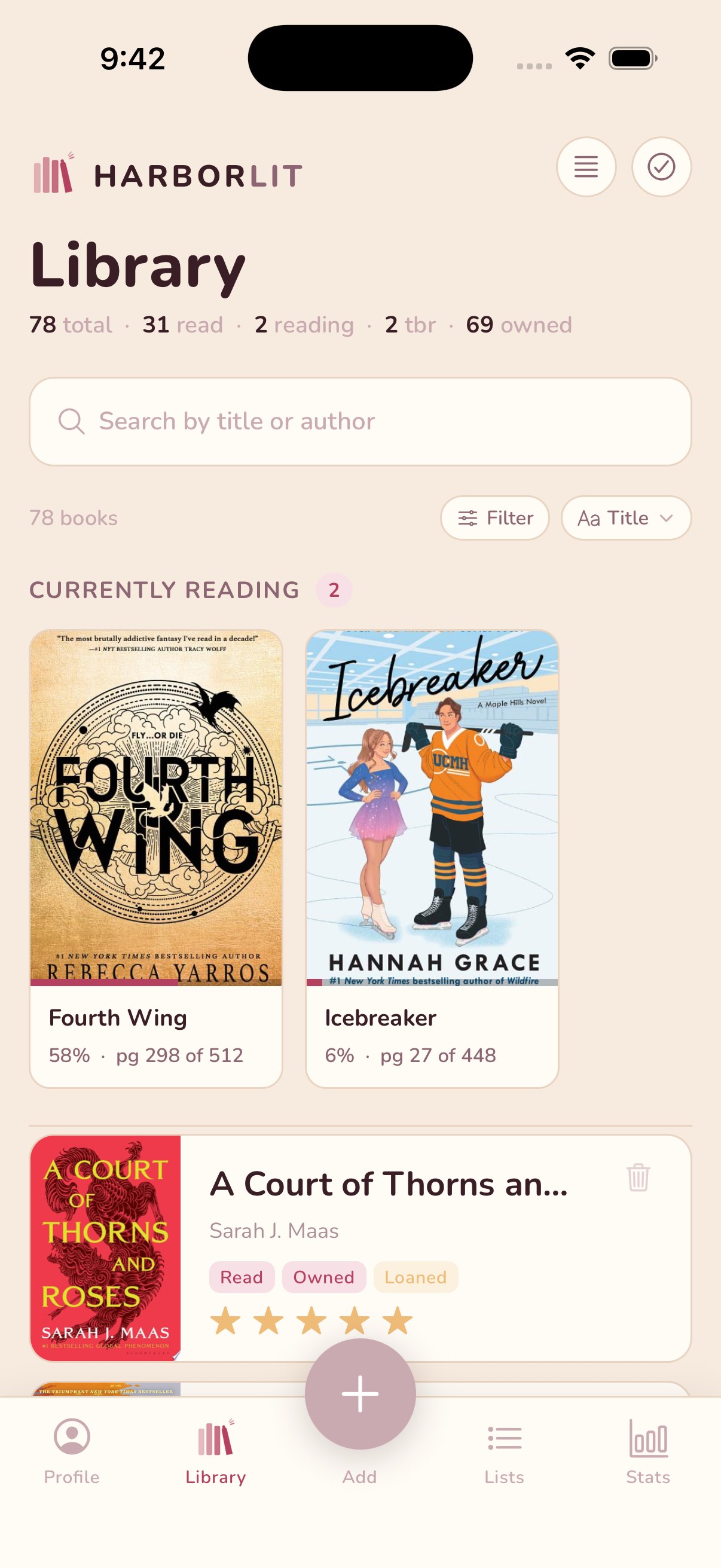
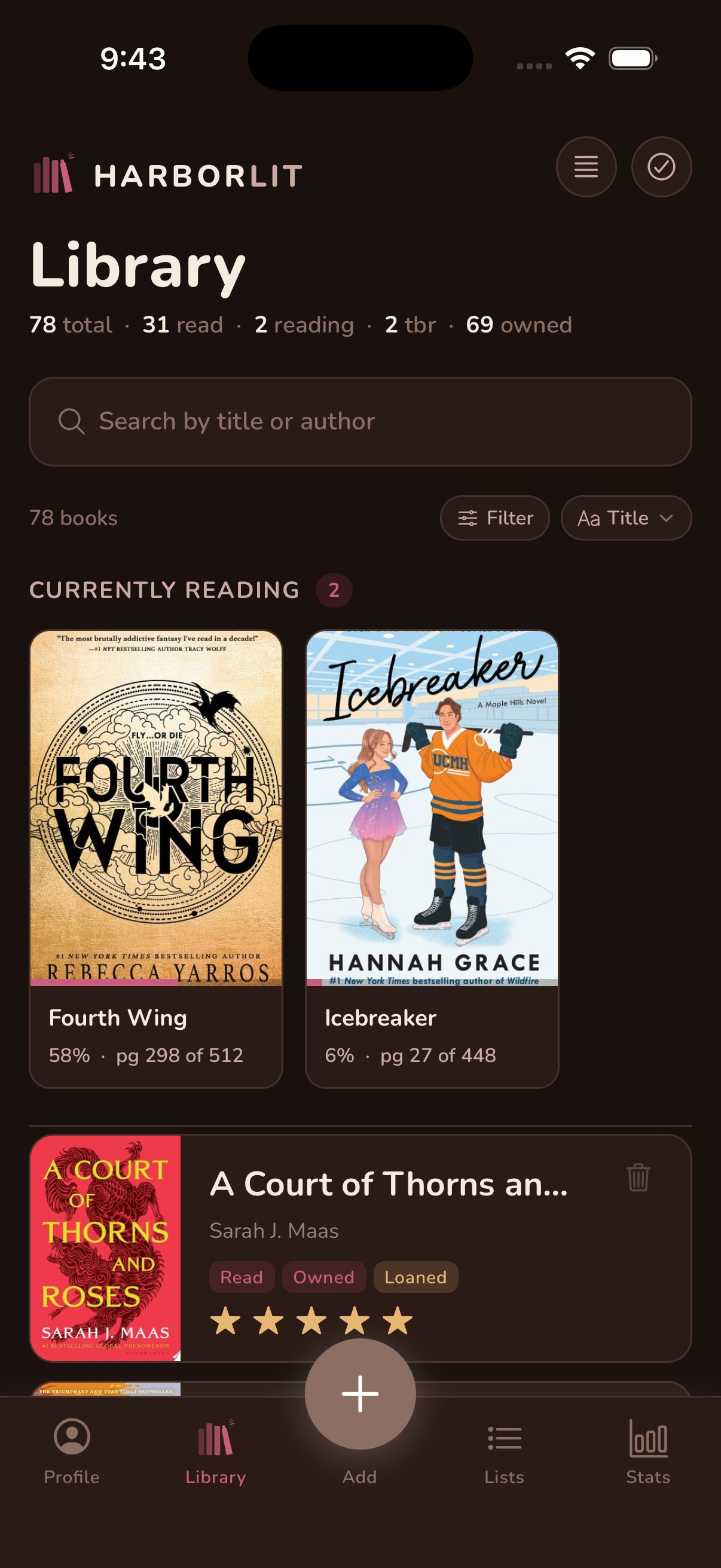
HarborLit library view
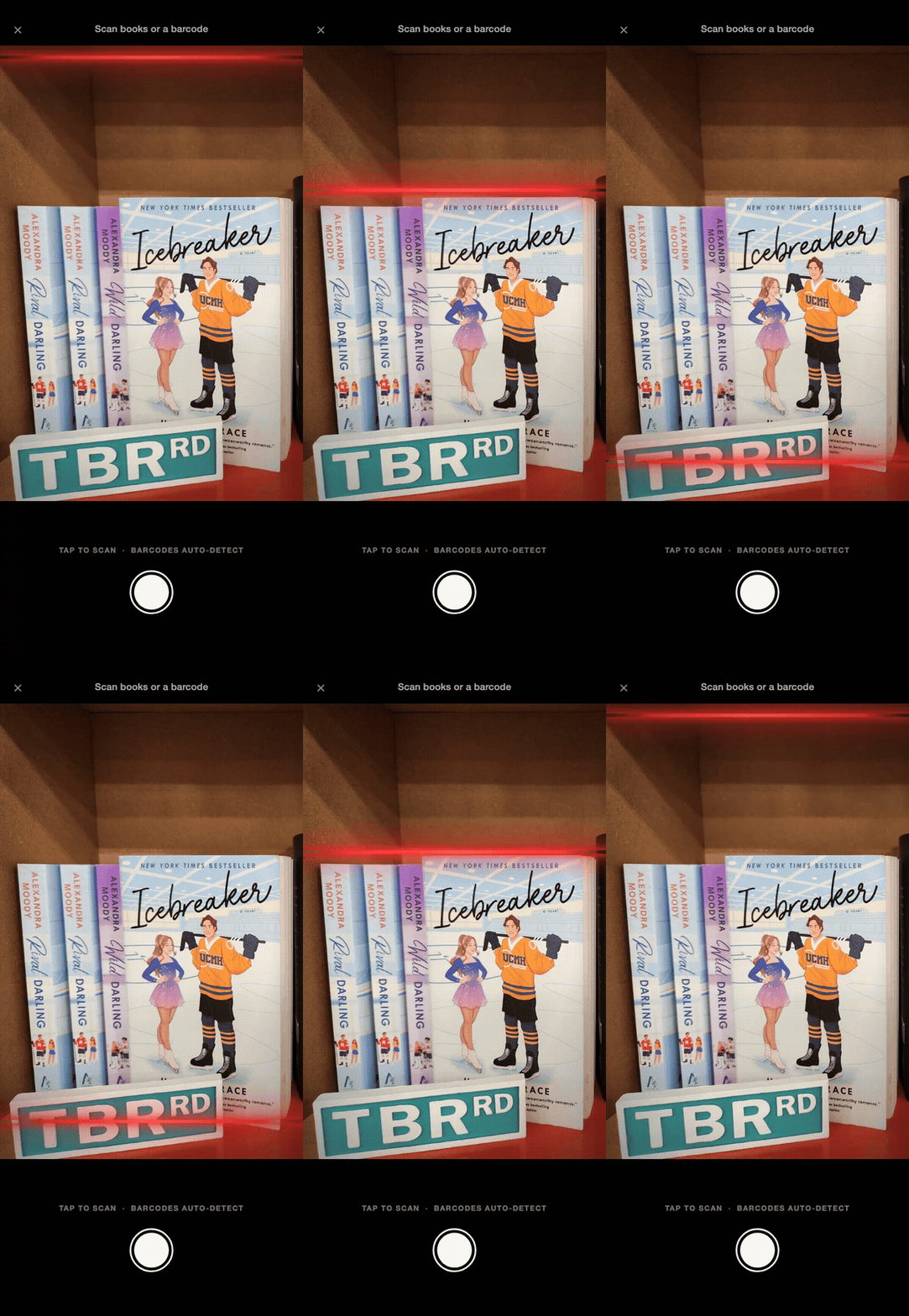
HarborLit scanning a stack of books, red scan line sweeping down the shelf
Instant.
Spine recognition
5s
Average scan time
Millions
Titles recognized
1 tap
To update any status
See it in action

A beautiful home
for your books.

HarborLit scanning a stack of books, red scan line sweeping down the shelf
Scan
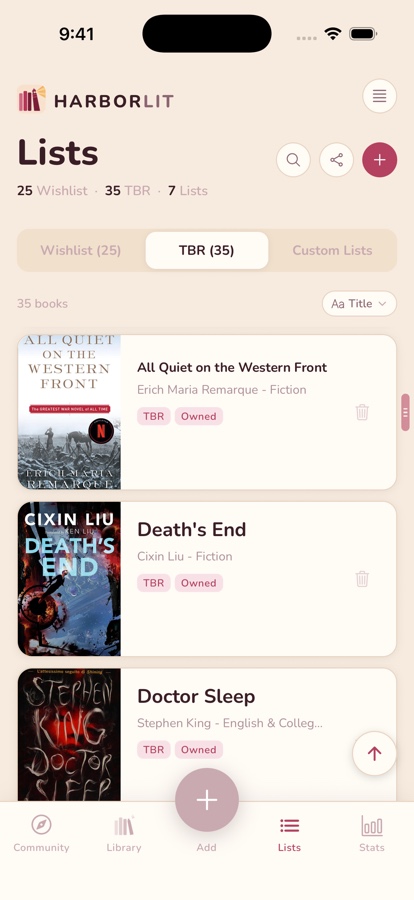
HarborLit library view
Library
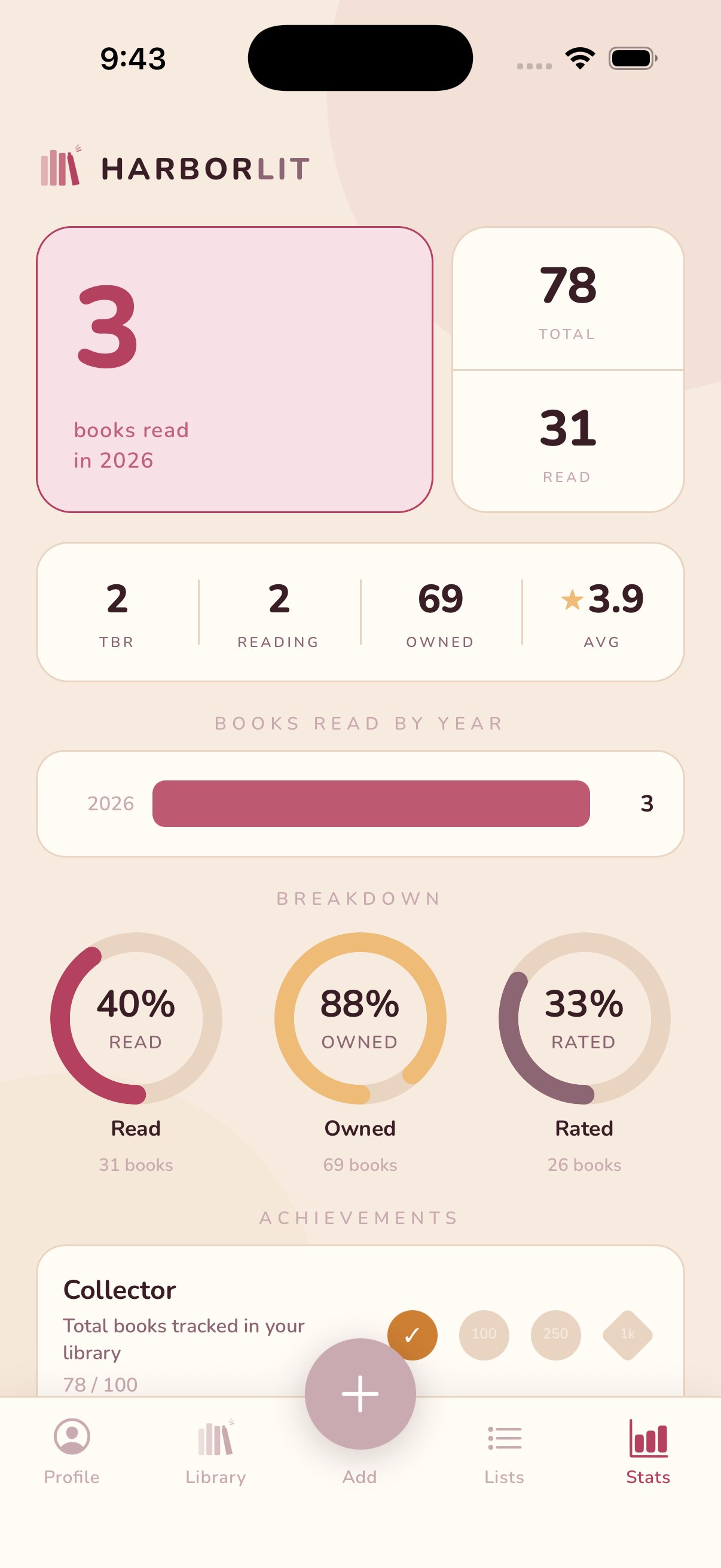
HarborLit reading stats
Stats
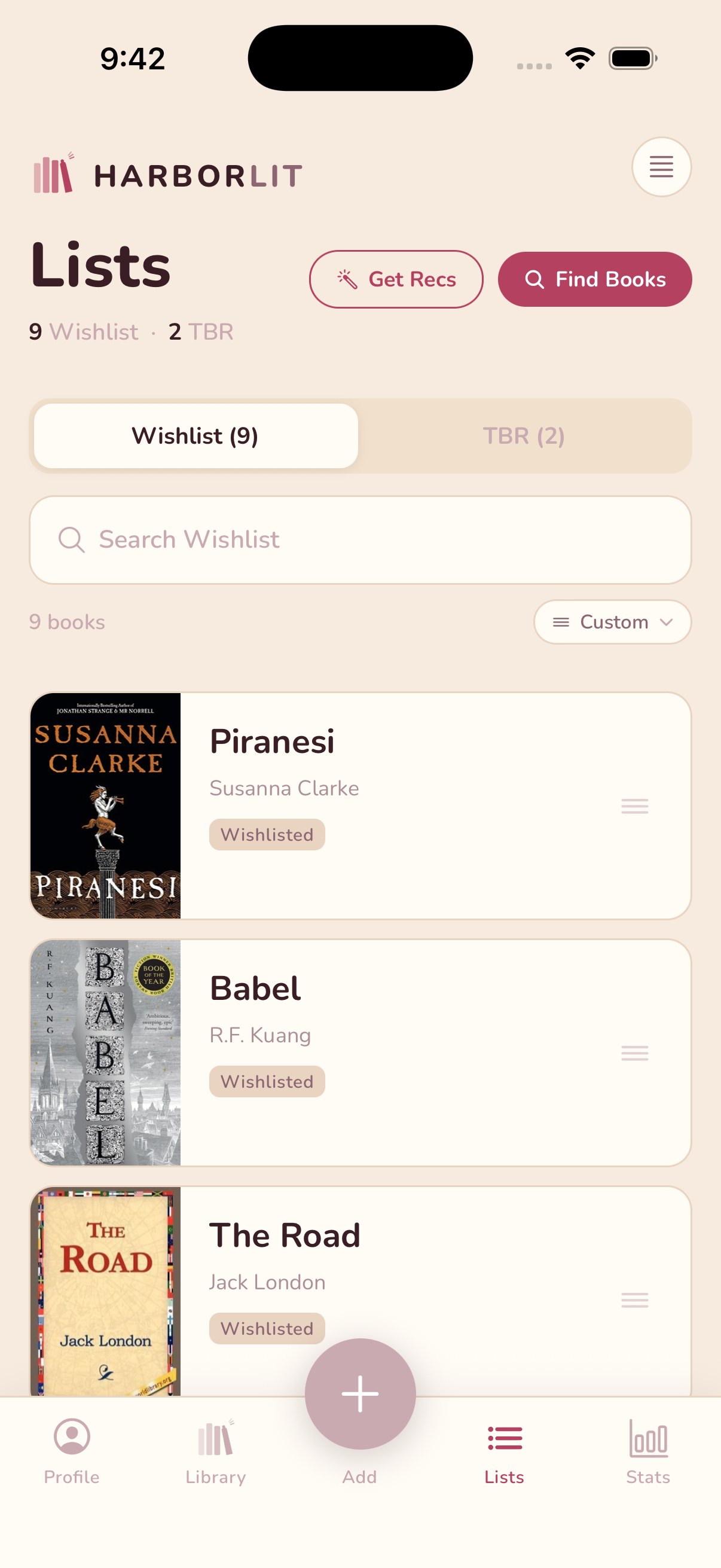
HarborLit wishlist
Wishlist
HarborLit library in dark mode
Dark Mode
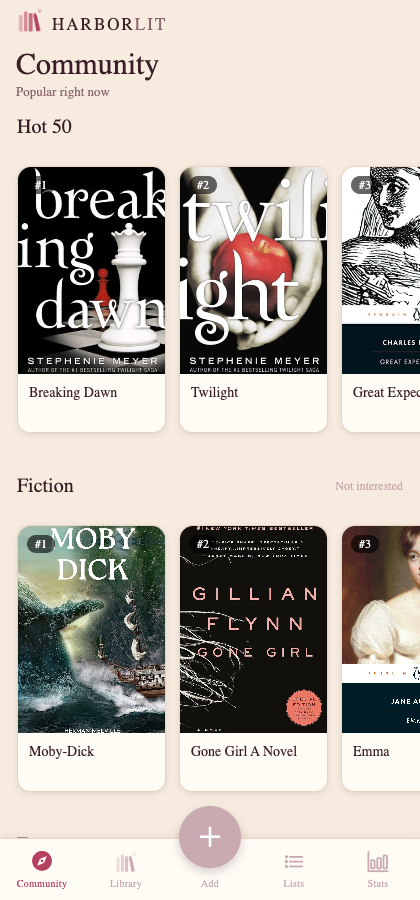
HarborLit Community tab showing popular books by genre
Community
HarborLit shown in the Classic theme
Themes
Everything your reading life needs

A lighthouse for
every bookshelf.

HarborLit is the simplest way to track what you read. Turn a photo into a full library, then update any book's status in one tap. No barcodes, no manual typing, no busywork.

📸
Book Scanner

Point your camera at a shelf, a pile, or a single cover — every book is identified in seconds, with titles, authors, and covers pulled in automatically.

📚
Smart Library

Tap once to move any book between TBR, Reading, and Read — no menus, no forms. Filter, sort by rating or title, and search your entire collection instantly.

🔖
Wishlist & TBR

Keep your "want to buy" list separate from your "want to read" stack. Drag to reorder your TBR however you like.

📊
Reading Stats

Beautiful charts show your reading progress — how much you've read, what you own, and how your ratings stack up.

🌙
Dark Mode

A warm, cozy dark theme for late-night reading sessions. Your eyes will thank you.

📥
Goodreads Import

Already tracking on Goodreads? Import your CSV export and your entire reading history arrives instantly.

🏷️
Make It Yours

Tag books your way, jot private notes on any title, and organize your shelf into custom lists — Book Club, Beach Reads, whatever fits.

👥
Community

Browse what's popular right now by genre, see what other readers are adding, and add anything you like straight to your own shelf.

Never lose your place

Know exactly
what's next.

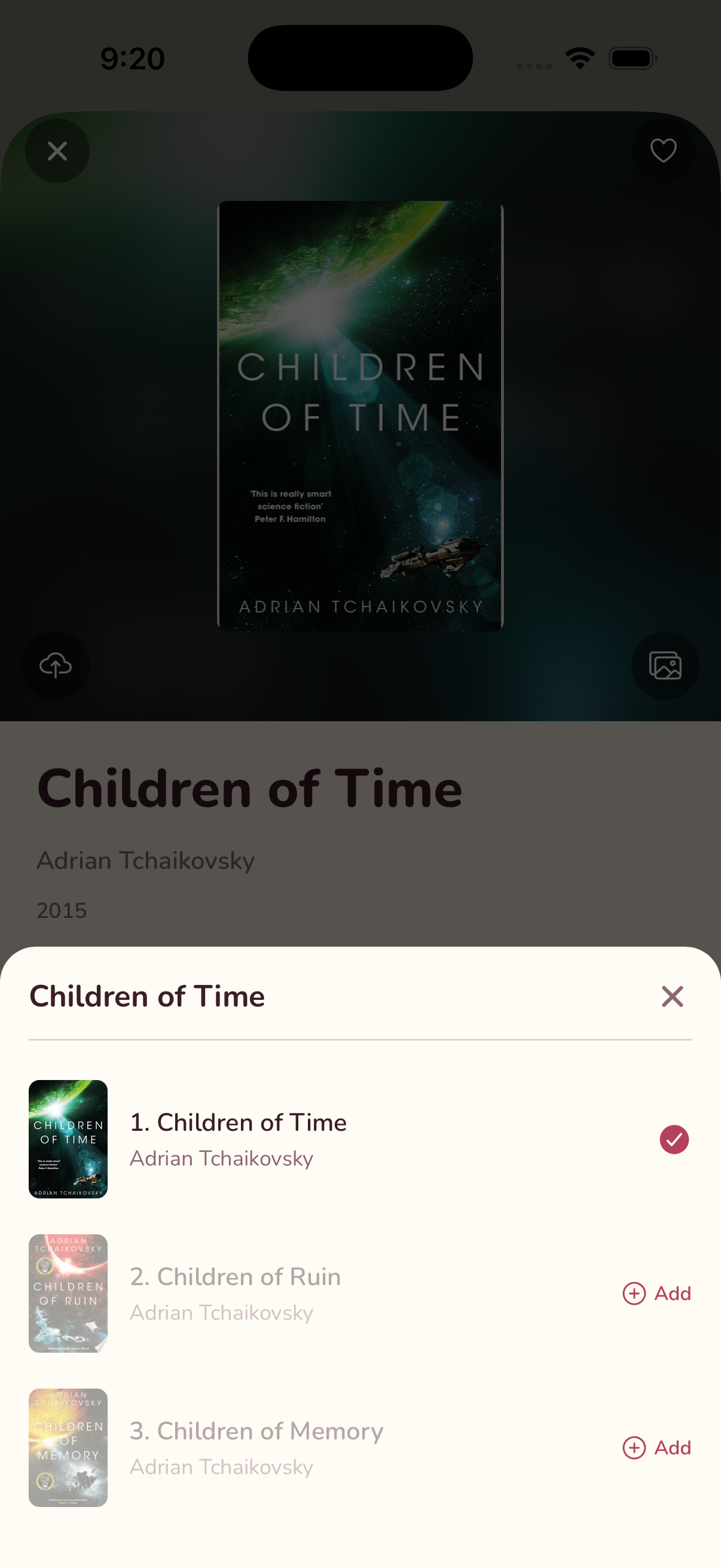
HarborLit knows where every book falls in its series. Tap a series tag on any book to see the whole lineup grouped and sorted in reading order — what you already own, what's next, and add the rest straight from the list.

HarborLit showing the full reading order for the Children of Time series, with the first book already owned and the rest ready to add
✨ HarborLit Pro — see all features
Make it yours

30 themes.
One favorite shelf.

From soft blush to midnight navy, pick the look that matches your library — or your mood. Every theme carries through the whole app, light or dark.

HarborLit shown in the Classic theme
Classic
✨ HarborLit Pro — see all features
Never lose a passage

Snap a highlight.
Find it forever.

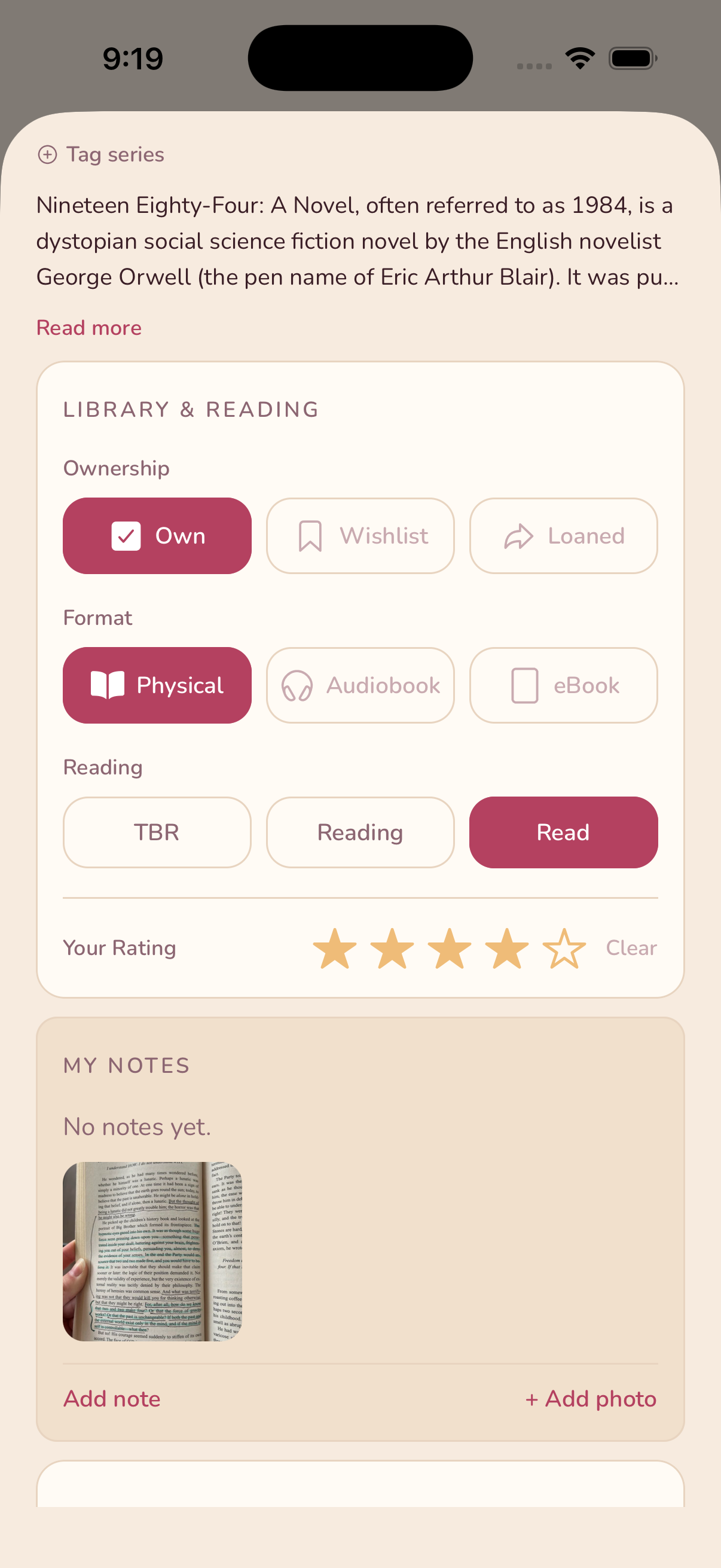
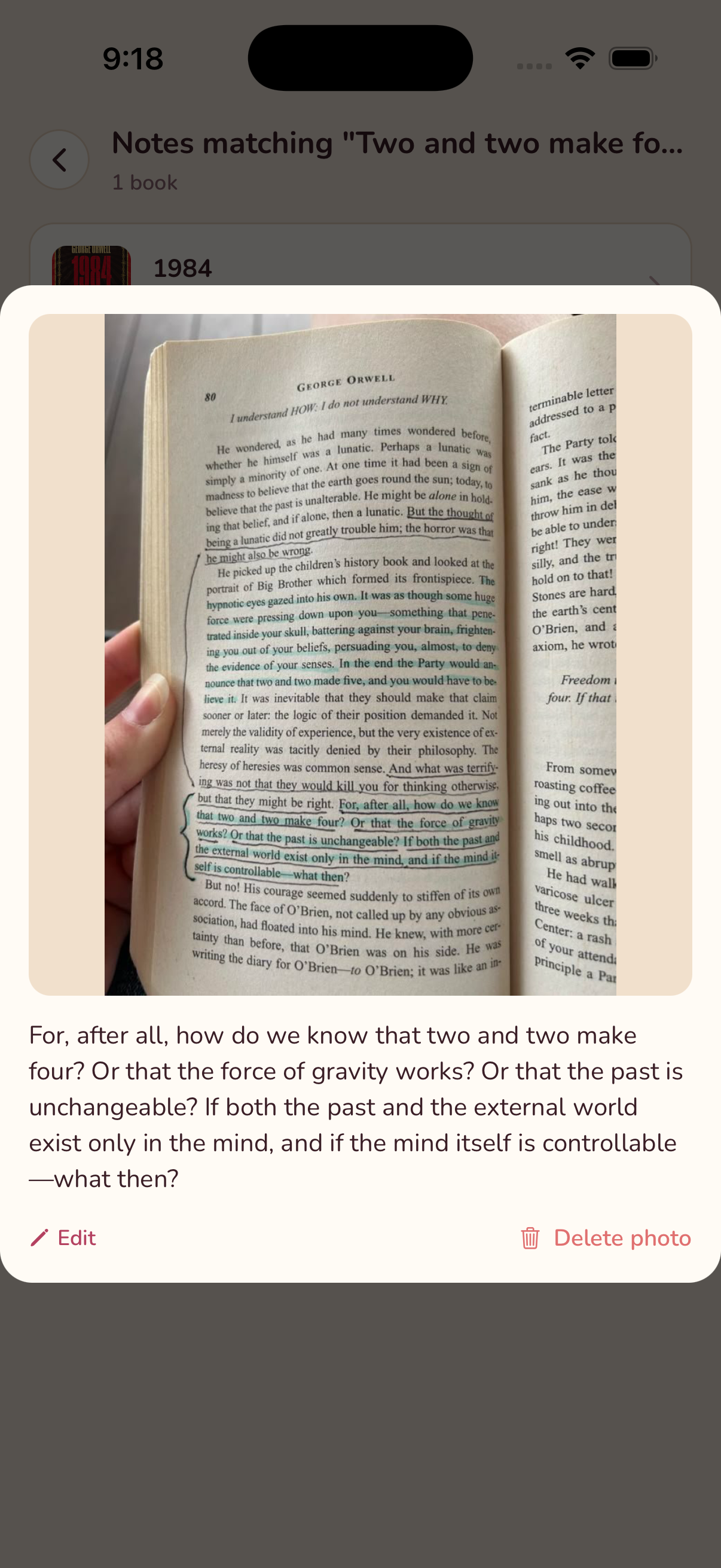
Photograph a highlighted passage, an underlined line, or a handwritten note in the margin — HarborLit reads it for you, no retyping. Every word becomes instantly searchable across your whole library, so the line you loved is never more than a search away.

📸
Snap a photo

Right from the book detail screen — a highlighted page, a margin note, whatever you want to remember about that book.

Read automatically

HarborLit transcribes highlighted, underlined, and handwritten text on its own — nothing to type, ever.

🔍
Search everything

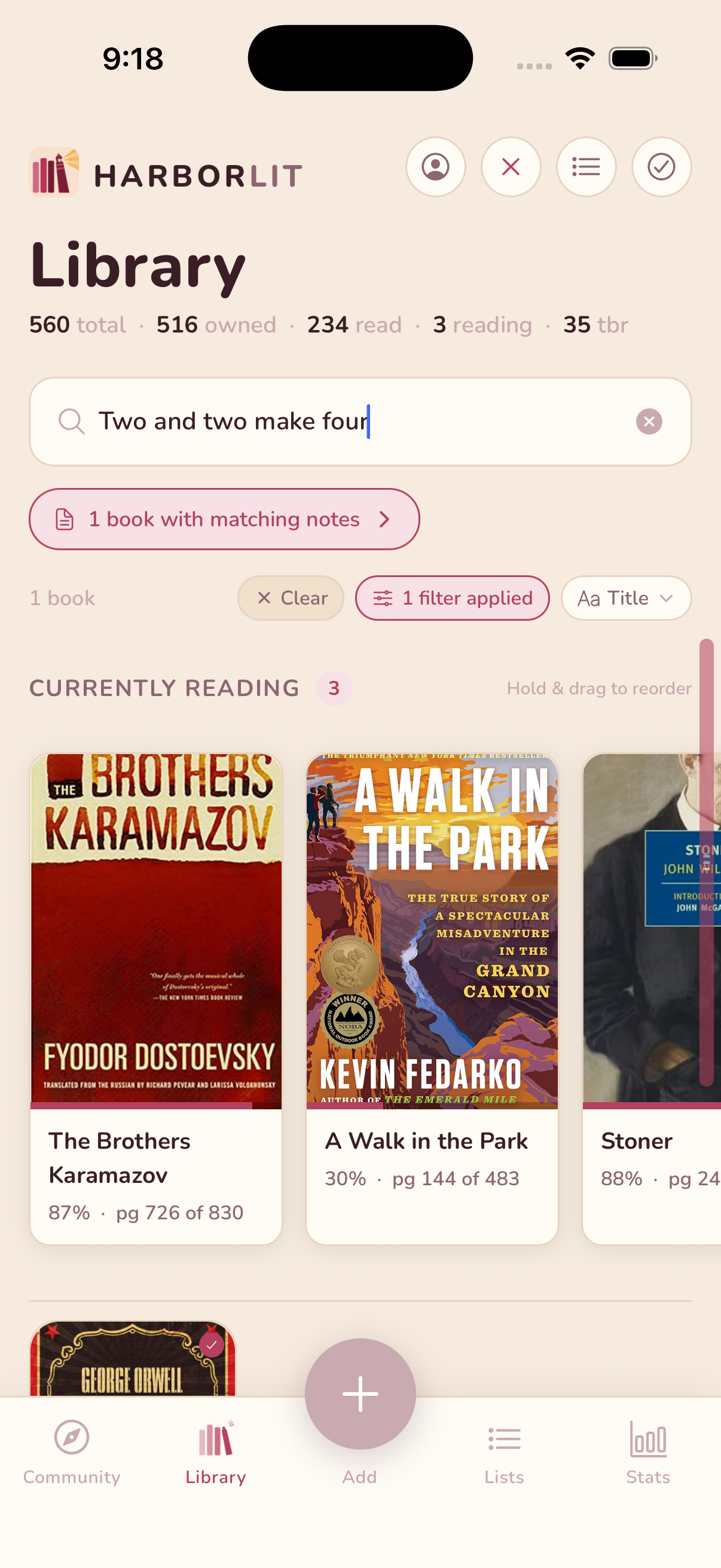
Search your library by what you wrote or highlighted, not just title and author — find the book, and the exact passage.

Adding a highlighted-page photo to a book on HarborLit's book detail screen HarborLit automatically transcribing a highlighted passage from a photographed book page Searching a HarborLit library by transcribed note text and finding a matching book
Simple by design

Up and running
in under a minute.

No steep learning curve, no cluttered menus — just the fastest path from "pile of books" to "organized library."

01

Open the scanner

Tap the camera button and point your phone at any bookshelf, nightstand stack, or box of books. No special lighting needed.

02

Books identify themselves

Every visible spine is read and matched against millions of titles — covers, descriptions, and metadata appear in seconds.

03

Build your library

Review detected books, tap to mark which you own, rate what you've read, and add the rest to your TBR — one tap per book, nothing to type. Your library grows with every scan.

Reader reviews

Loved by book people.

"I scanned my entire home library in 20 minutes. It identified every book perfectly — including some really obscure ones. Absolutely love it."

S
Sarah M.
Bookstagram creator

"The Goodreads import was seamless. All my years of tracking transferred over instantly. The UI is so much more enjoyable to use day-to-day."

J
James T.
Avid reader, 80+ books/year

"I love it. It’s like if IMDb and Icheckmovies had a baby and it was about books."

M
Matt W.
Coming Soon

Be the first
to know.

HarborLit is almost ready. Drop your email and we'll notify you the moment it launches on iOS and Android.

No spam — just a launch notification.